
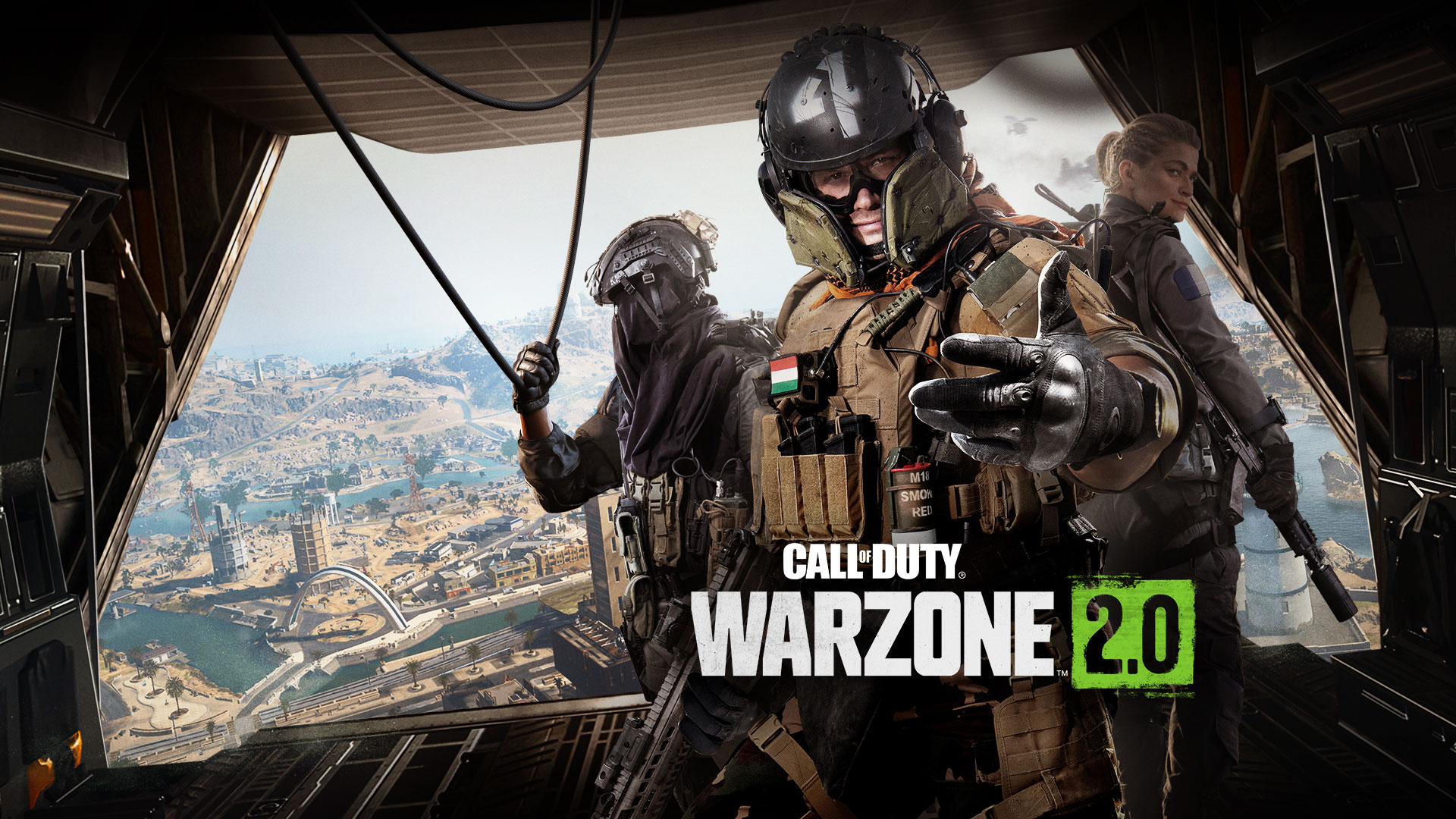
Warzone Xbox Best Settings (FPS & Performance Guide)
Warzone Xbox best settings are essential if you want smoother gameplay, better visibility, and faster reactions in competitive matches.
Call of Duty: Warzone on Xbox Series X and Series S offers solid performance out of the box, but adjusting the right in-game settings can significantly improve clarity and responsiveness during gunfights.
Warzone Xbox best settings for FPS and performance
- 120 Hz Refresh Rate: On (if supported)
- World Motion Blur: Off
- Weapon Motion Blur: Off
- Depth of Field: Off
- FidelityFX CAS: On
- FidelityFX CAS Strength: ~90
- Brightness (Gamma): ~55
These Warzone Xbox best settings are based on console optimization guides and help improve visibility while keeping gameplay smooth.
Enable 120Hz for Better Performance
If your display supports it, enabling 120Hz in Xbox settings allows Warzone to run at higher frame rates, reducing input lag and improving responsiveness in fast-paced fights.
This is one of the biggest upgrades you can make for competitive play.
Turn Off Motion Blur and Depth of Field
Motion blur and depth of field add unnecessary visual noise and make it harder to track enemies.
- World Motion Blur: Off
- Weapon Motion Blur: Off
- Depth of Field: Off
Disabling these improves clarity and helps you react faster in gunfights.
Use FidelityFX CAS for Better Visibility
FidelityFX CAS is one of the most important settings available on console. It sharpens the image and makes enemies easier to see, especially at longer distances.
A value around 90 offers the best balance between clarity and visual quality.
Best Field of View (FOV) Settings
- FOV: 100–105
- ADS Field of View: Affected
- Weapon Field of View: Wide
A higher FOV improves awareness and lets you see more of your surroundings, which is critical in Warzone.
Audio Settings for Better Awareness
- Audio Mix: Headphones / Boost High
- Music Volume: 0
- Effects Volume: 100
- Dialogue Volume: 30
These settings make footsteps and enemy movement easier to hear, giving you a competitive advantage.
Controller Settings That Improve Gameplay
- Controller Vibration: Off
- Sensitivity: 6–7 (personal preference)
- Deadzone: Low (to reduce input delay)
Disabling vibration and adjusting sensitivity improves aiming consistency.
Xbox Series X vs Series S Performance
Warzone performs better on Xbox Series X, offering more stable frame rates and higher visual quality. On Series S, performance is still good, but visuals are reduced, especially at higher frame rates.
Series S players should focus more on clarity settings like disabling blur and using CAS.
What Improves Performance the Most on Xbox?
- 120Hz mode (if available)
- Disabling motion blur
- Using FidelityFX CAS
- Higher FOV for awareness
These settings provide the biggest improvements in responsiveness and visibility.
My Experience & Recommendations
From testing and gameplay experience, the biggest improvements come from enabling 120Hz, turning off motion blur, and using FidelityFX CAS.
Warzone is a competitive game, so prioritizing smooth gameplay and clear visibility will always give you an advantage over higher graphical settings.
Also Check Out
Using the right Warzone Xbox best settings will help you achieve smoother gameplay, faster reactions, and better performance in every match.

Gamers Guides helps you save hours of searching through guides, videos, and forums.
Every article is based on real gameplay experience, combined with research from official updates and the gaming community.
Our goal is simple: deliver clear, useful guides so you can improve faster and make better in-game decisions.